Your cart is currently empty!

Add an Archive Page Title and Description
Certain child theme demos exhibit an archive title and description at the beginning of the archive pages, as visible in the picture below.
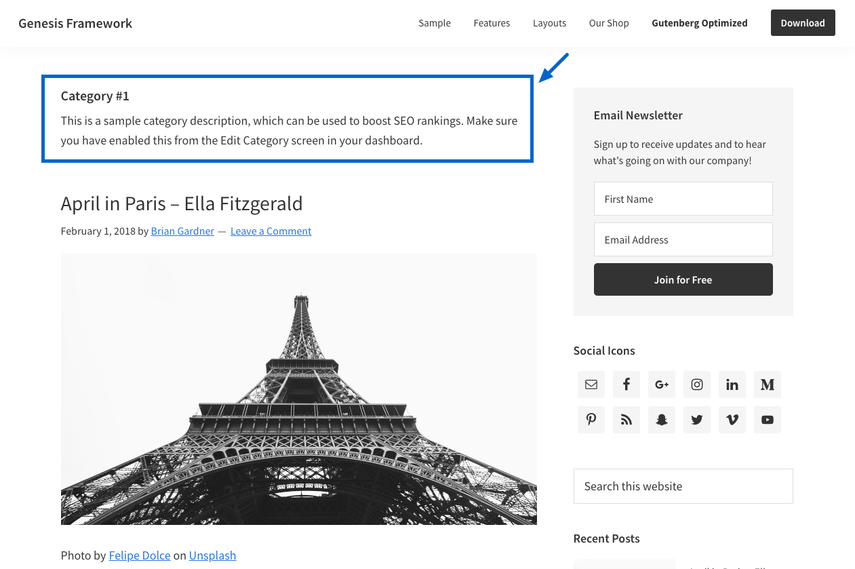
Navigate to Posts > Categories > your chosen category or Posts > Tags > your selected tag to include a title and description on your archive page, as outlined below.

- Archive Headline: Input a custom title if preferred. To display the default title, leave this field empty.
- Archive Intro Text: Include a concise introduction for the category or tag.
Remember to click the Update button at the bottom of the screen (not displayed here) to save your configurations.


